Client Experience

The journey stays visible between visits.

The client portal keeps appointments, progress, home care, messages and practitioner-selected content together in one practice-branded experience.

Portal Today tabPortal Journey tab

Illustration using demo data.

The Portal

Five tabs, one personal link

Select a screen to see it.

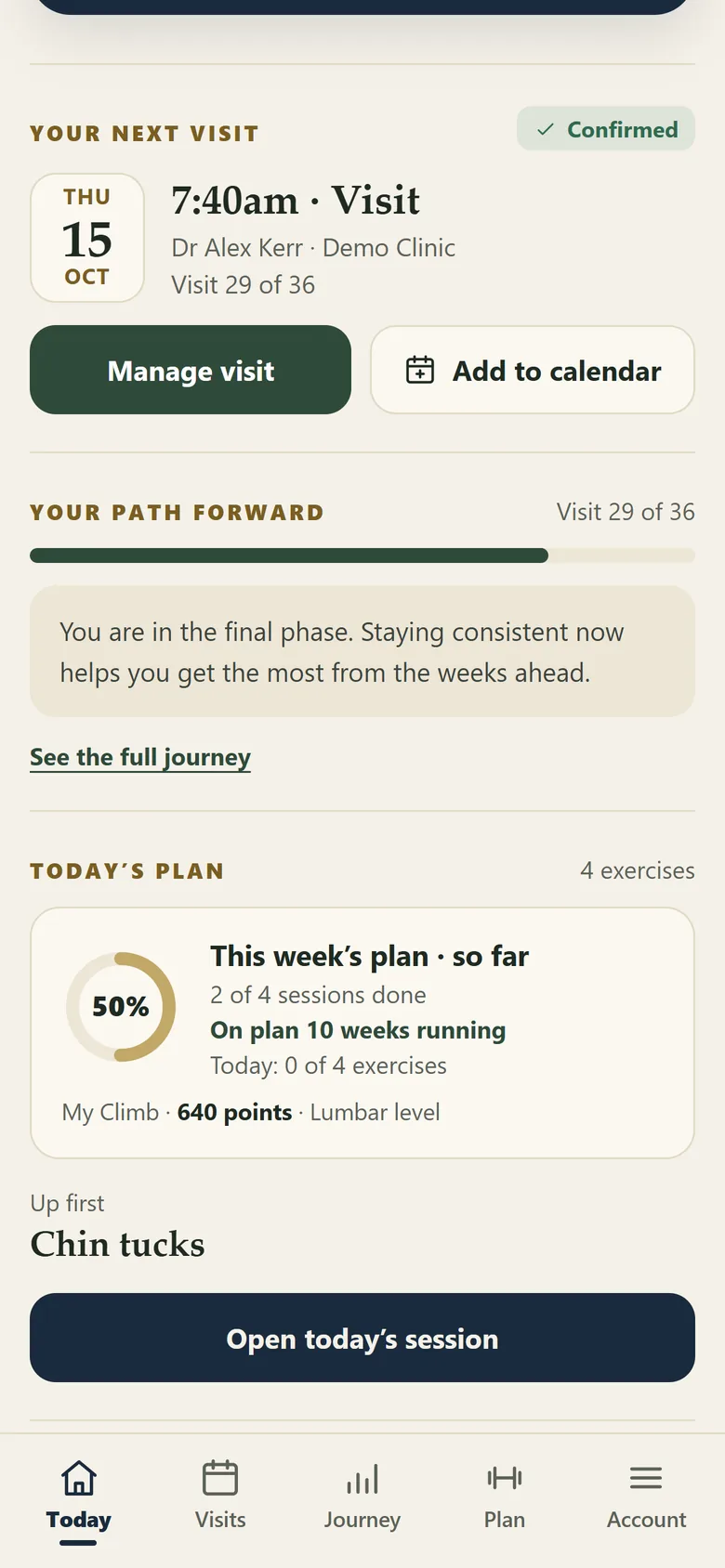
What matters this week

Next visit, where the client is on the plan, and today's exercises.

Portal Today tab
Today Illustration using demo data.

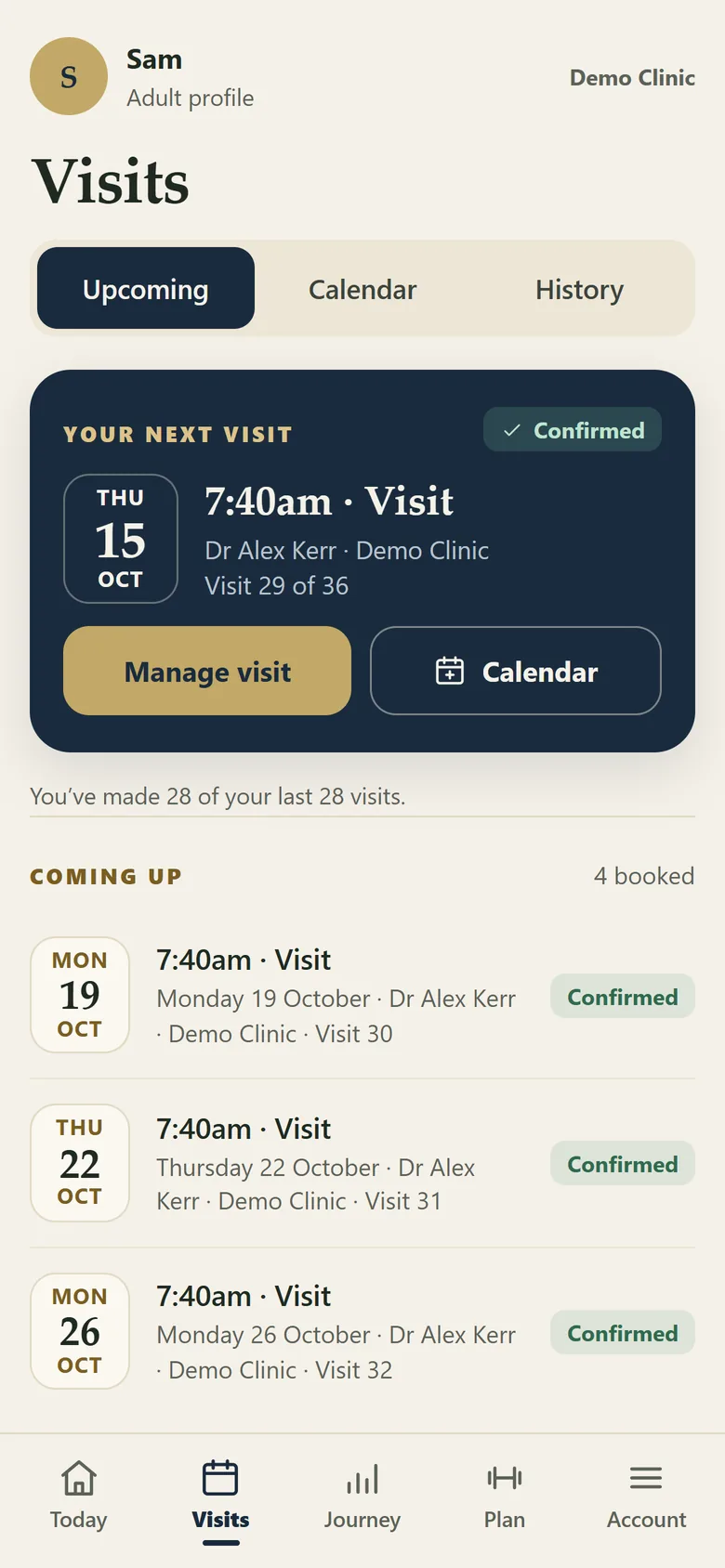
Upcoming, calendar and history

Visits as booked in the PMS, with a calendar feed the client can subscribe to.

Portal Visits tab
Visits Illustration using demo data.

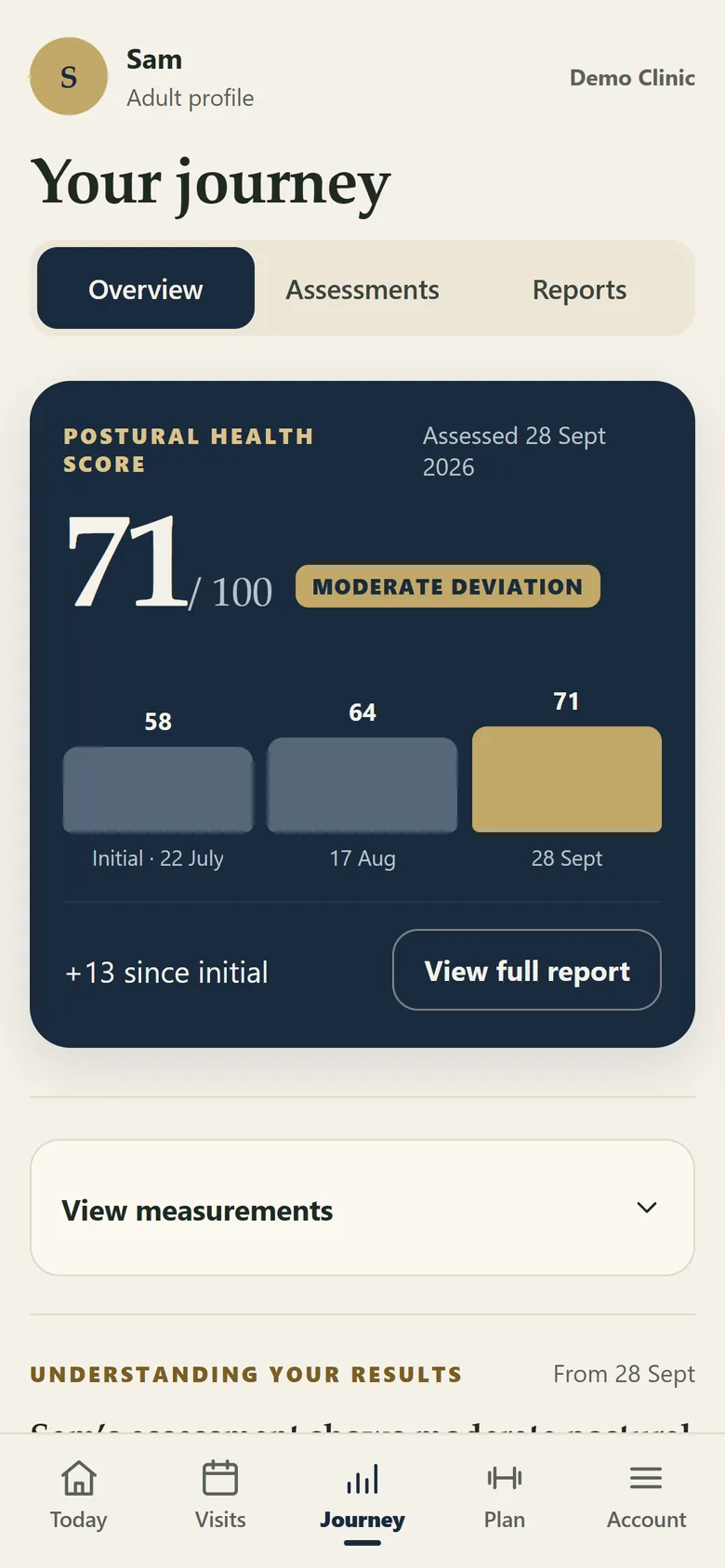
Results over time

The score at each assessment, the change since the first, and every published report.

Portal Journey tab
Journey Illustration using demo data.

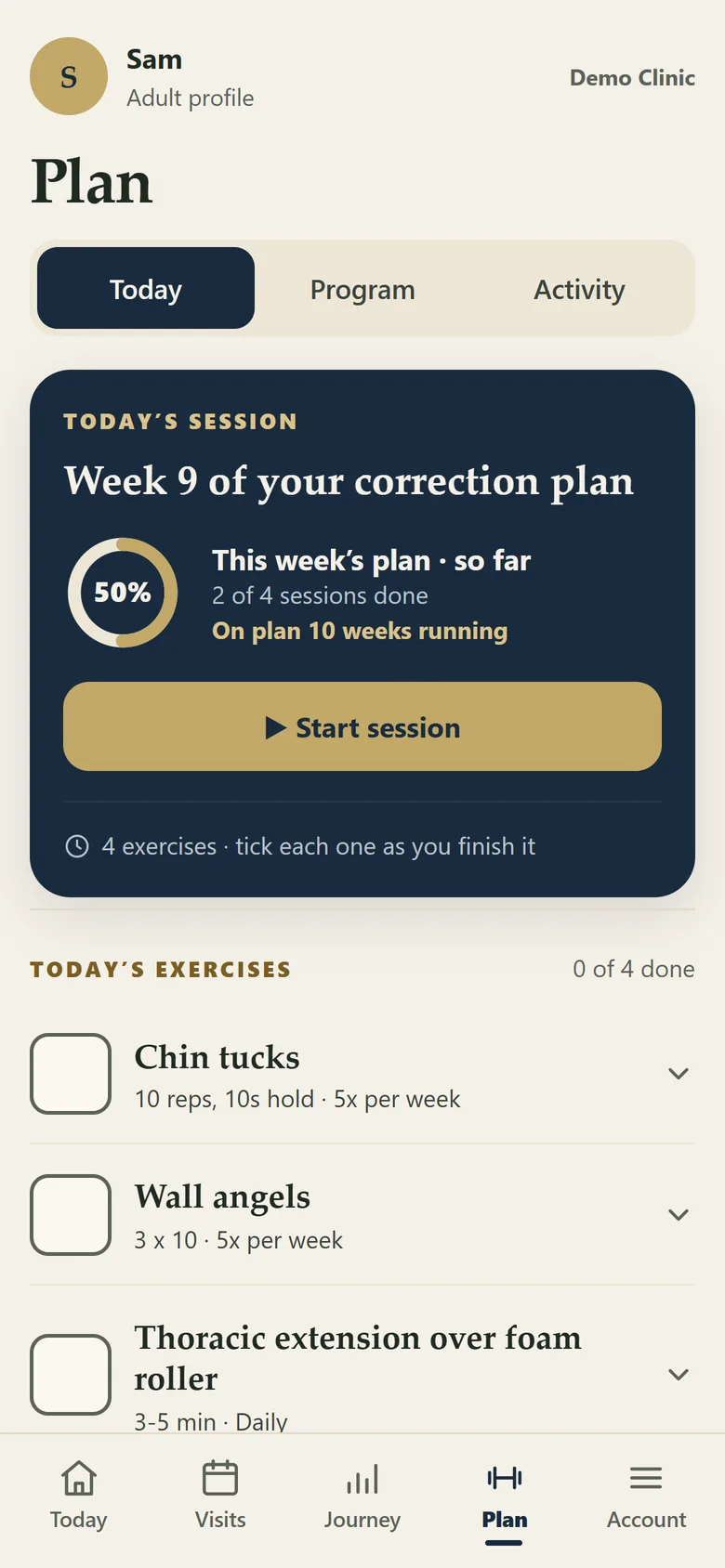
The home programme, as a session

Scheduled exercises with clear instructions, ticked off as they are done.

Portal Plan tab
Plan Illustration using demo data.

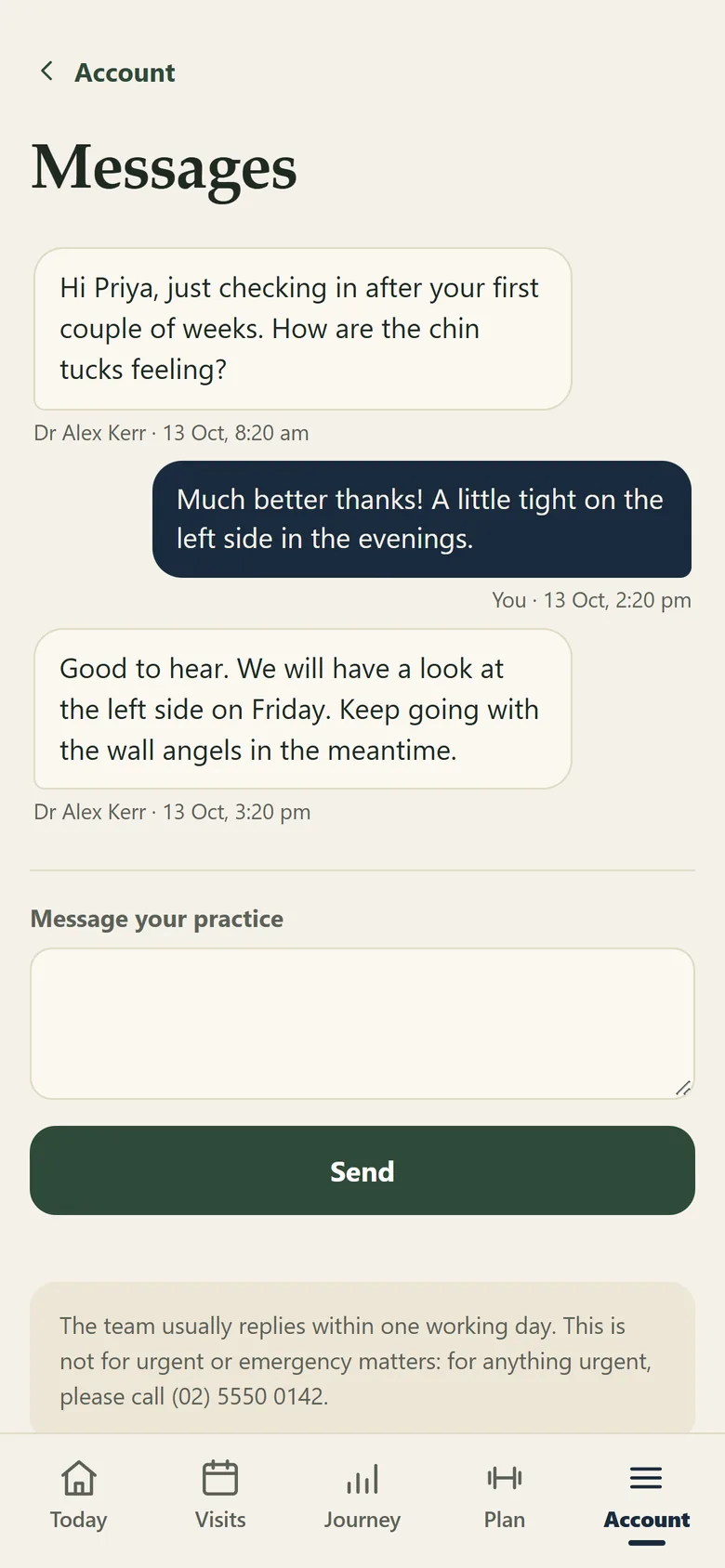
Messages and settings

Two-way messages with the practice, with a clear note that they are not for urgent matters.

Portal messages
Messages Illustration using demo data.
Capabilities

What the portal does

CapabilityWhat it does
AppointmentsUpcoming visits reflect appointment information from the connected PMS. Cancelled and deleted appointments are reconciled where supported.
Personal calendarClients can subscribe to a calendar feed in Apple Calendar, Google Calendar or Outlook. Those services check the feed on their own schedule.
Two-way messagesClients and staff can message through the portal. Messages remain on the client record and appear in the staff portal inbox.
Reports and progressPublished reports, score history and posture comparisons remain accessible in the journey.
Articles and quizzesMonthly articles and quizzes provide ongoing education inside the portal.
QuestionnairesAny of the ten questionnaires in the library, including the Vitality survey, can be made available to the client by the practitioner.
Home careClients follow the exercise programme and record each session using the frequency set by the practice.
Exercise feedbackClients can mark an exercise as too easy, about right or causing discomfort. Discomfort creates a reception to-do and alert.
SharingSharing tiles allow clients to share approved progress or practice content.
Practice settingsAvailable portal modules can be switched on or off by the practice.
Portal Positioning

The client-facing view of the same practice journey.

It is not another system the practice has to keep updated by hand. The portal opens from a personal link sent by email or text, asks for the client's date of birth, expires on a rolling 90-day basis, and needs nothing installed.

Put the plan in the client's hand.

See the portal and the practice side together, set up the way your practice would run it.

Book a Demonstration