Reception and To-Do
The work that keeps clients moving, in one list.
The reception view brings appointments, arrivals and follow-up tasks together, so the team can see what needs action and who owns it.
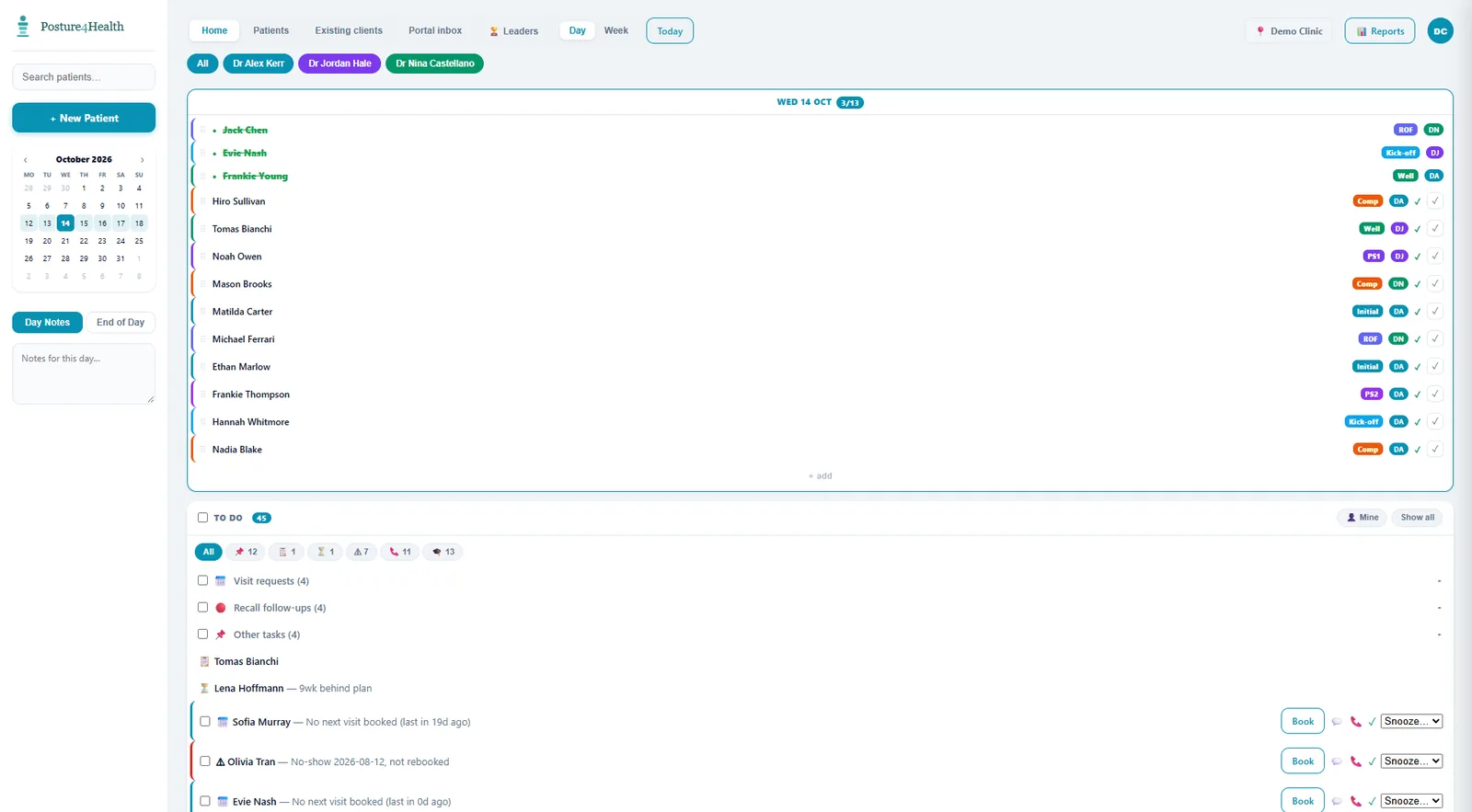
The reception view brings appointments, arrivals and follow-up tasks together, so the team can see what needs action and who owns it.
See the schedule imported from the connected PMS and refresh it on demand.
Mark who has arrived and keep the day moving.
Send a task to a named person or role.
See re-assessments, clients behind plan and other workflow items before they are missed.
Reported discomfort creates a to-do task and appears in the alerts bell.
Reports, X-rays and supported documents can be filed back to the PMS.
Posture 4 Health creates tasks for missed and cancelled visits, no next visit, widening appointment gaps, clients behind plan, re-assessments due and exercise discomfort. The team can assign each task, track it and close the loop. Staff can add their own too.
We will walk through the day sheet and to-do list using your own visit types and roles.
Book a Demonstration