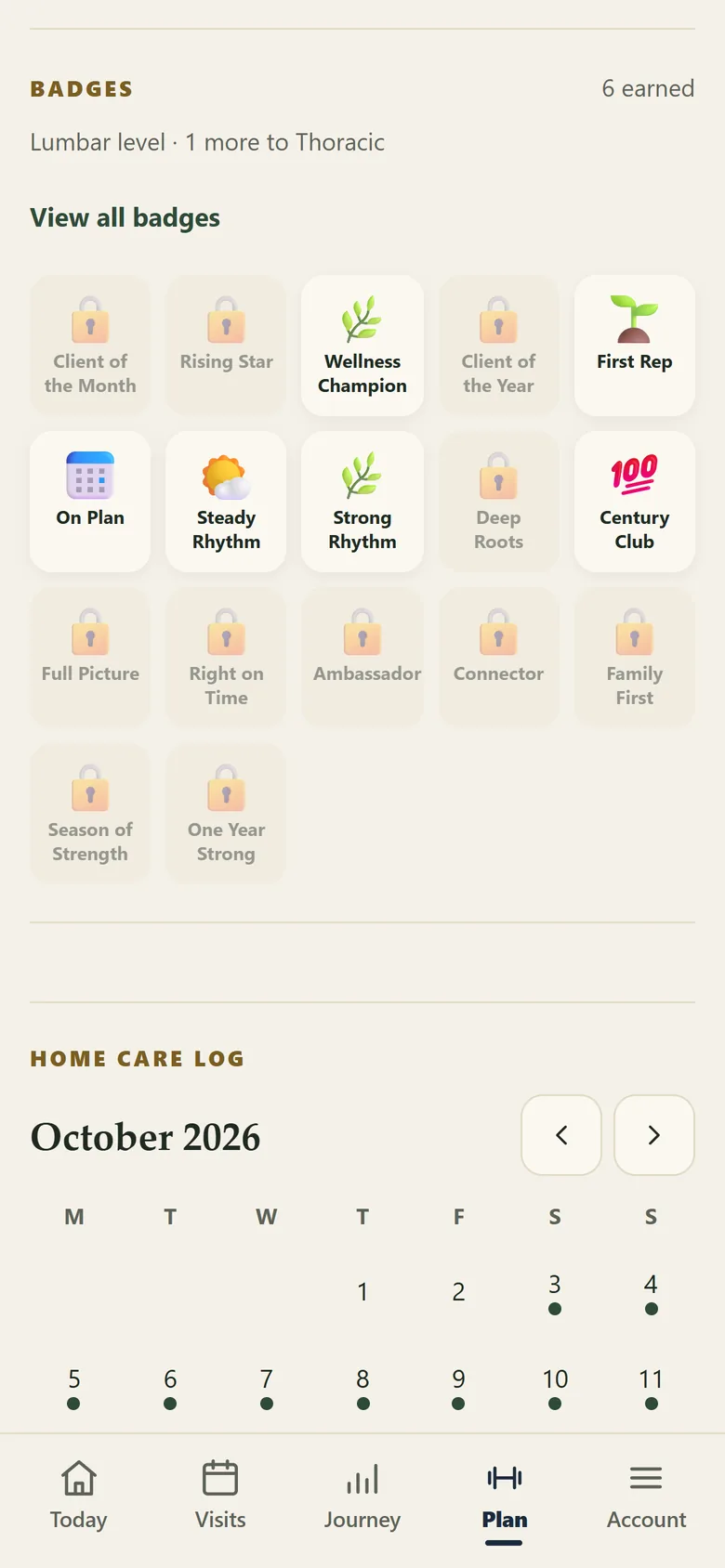
Set the programme, choose the frequency and let clients record each session from the portal. The practice can see activity and respond when something does not feel right.
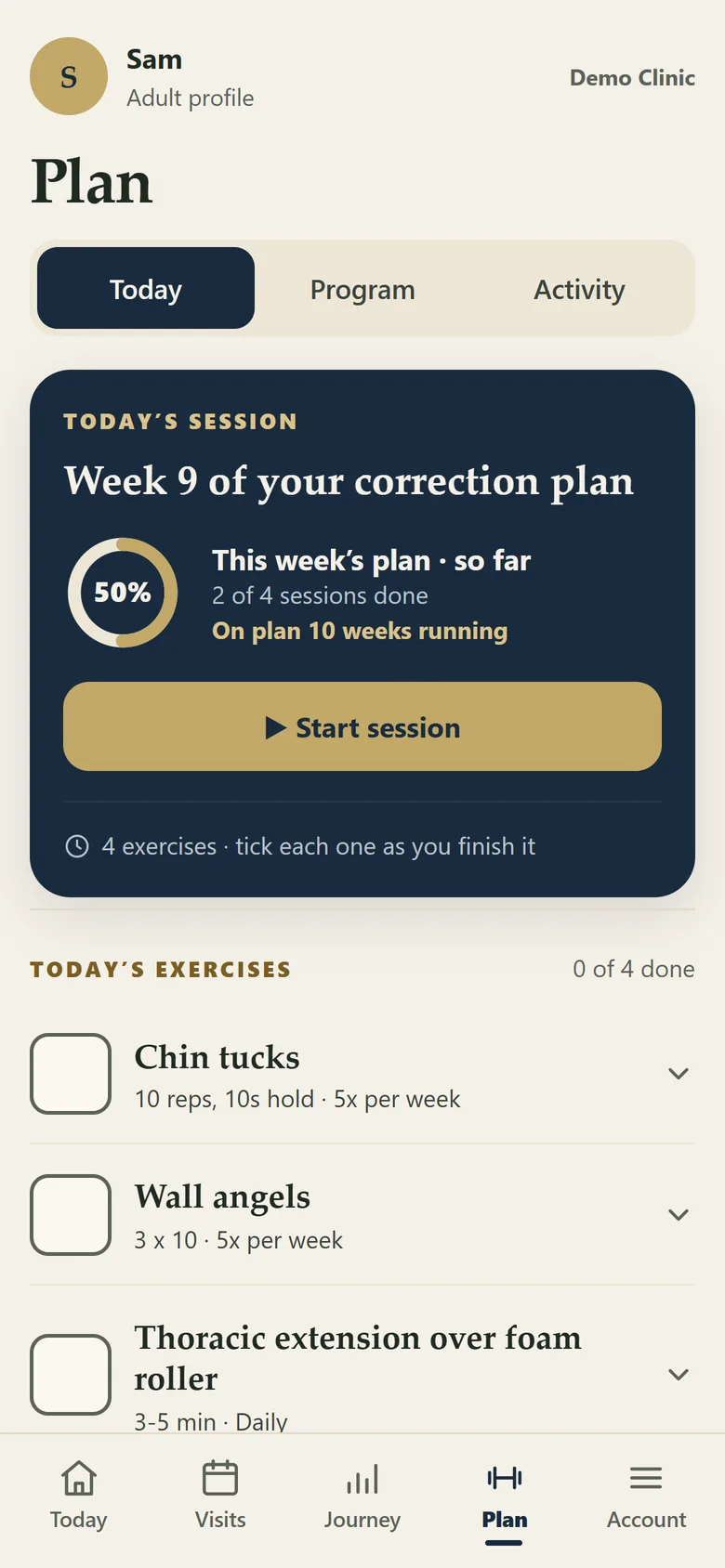
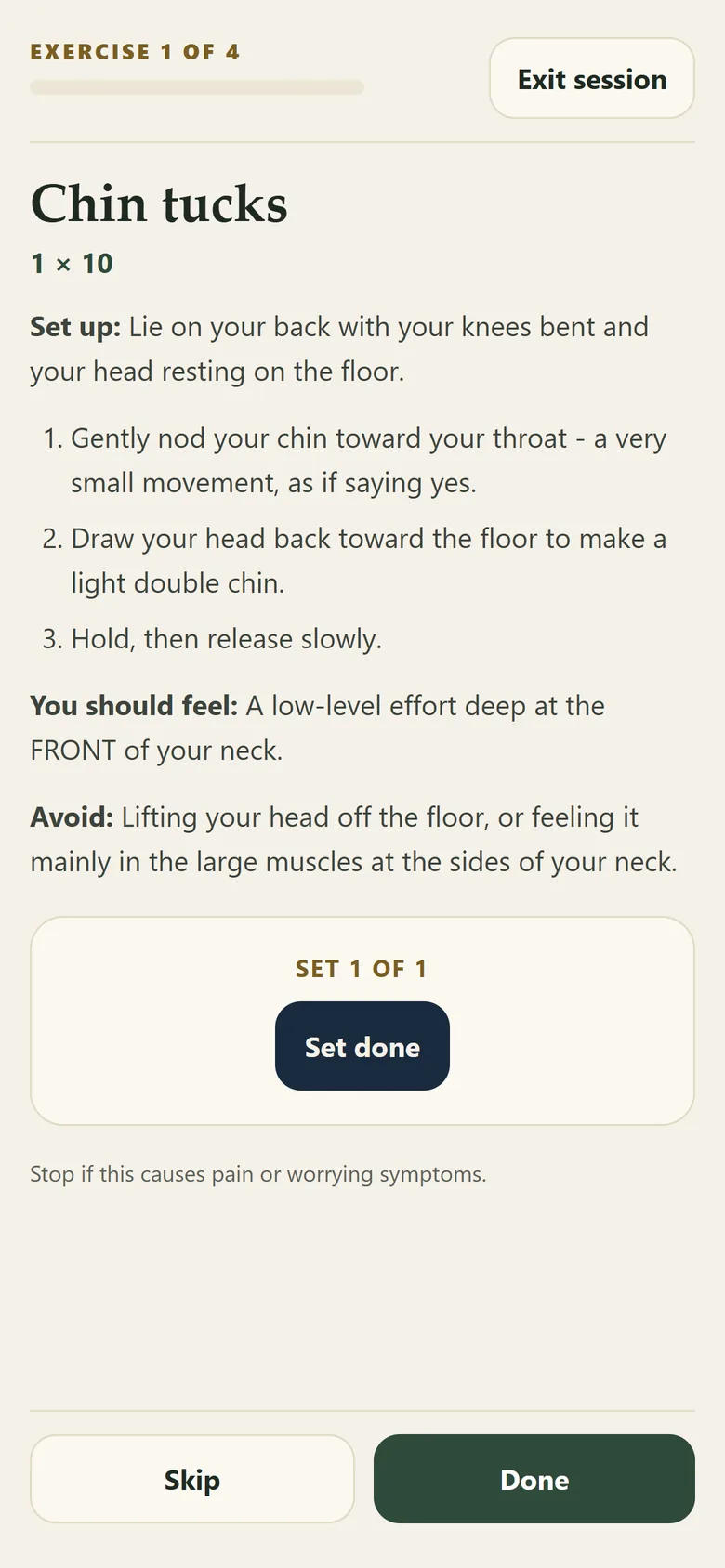
Illustration using demo data.
| Capability | What it does |
|---|---|
| Programme setup | Practitioners choose exercises and frequency using the available presets and defaults. |
| Client check-in | Clients record completion inside the portal, played as a guided session. |
| Three feedback options | Too easy, about right or discomfort. |
| Escalation | Discomfort creates a to-do for reception and appears in the alerts bell. |
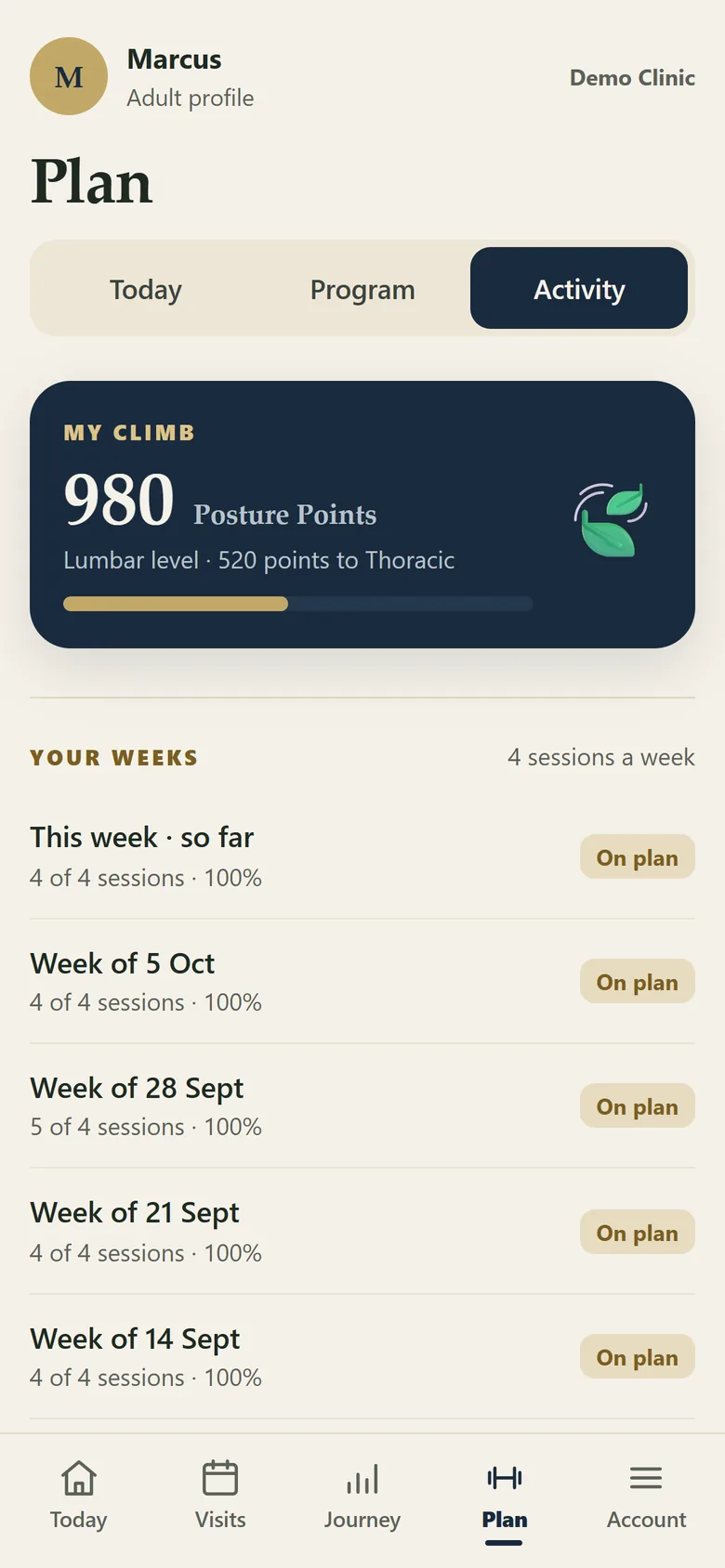
| Recognition | Streaks, badges and other recognition features reinforce participation. |
| Education | Monthly articles and quizzes are available in the portal. |
| Sharing | Sharing tiles give clients an approved way to share practice or progress content. |
Completed sessions earn points and move the client up through levels named for the regions of the spine. It recognises turning up and doing the work, not the result, and a practice can switch it off.


See how a client logs a session and what the team sees back.
Book a Demonstration