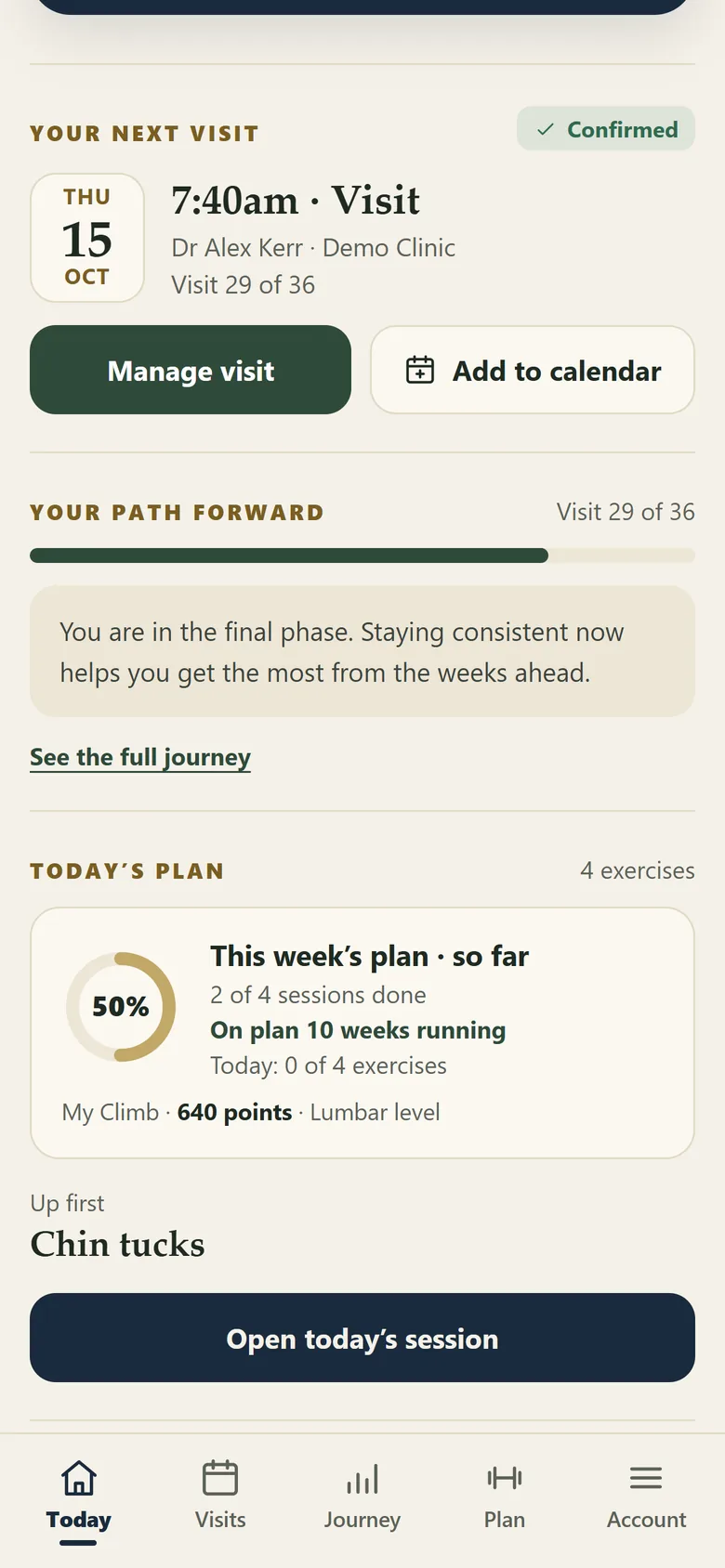
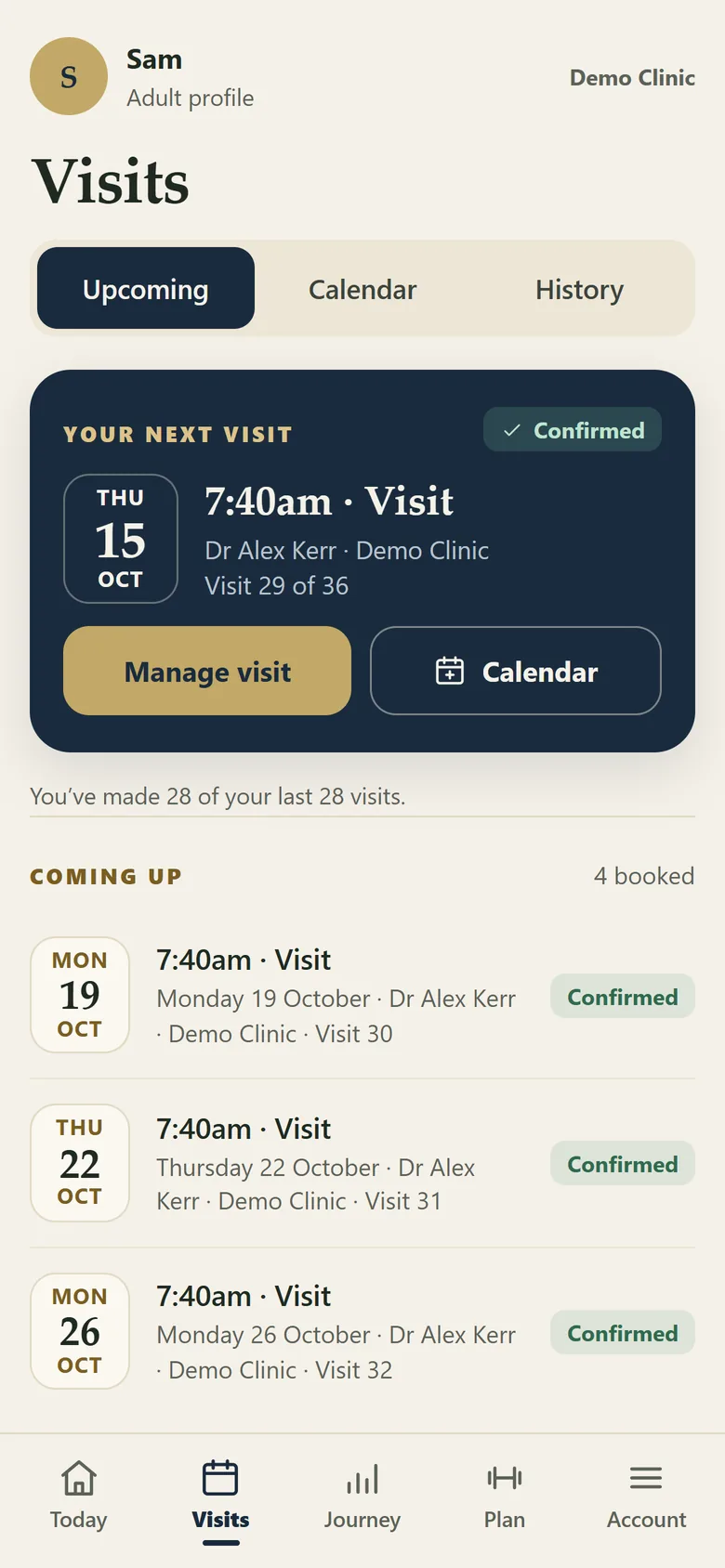
| Appointments | Upcoming visits reflect appointment information from the connected PMS. Cancelled and deleted appointments are reconciled where supported. |
| Personal calendar | Clients can subscribe to a calendar feed in Apple Calendar, Google Calendar or Outlook. Those services check the feed on their own schedule. |
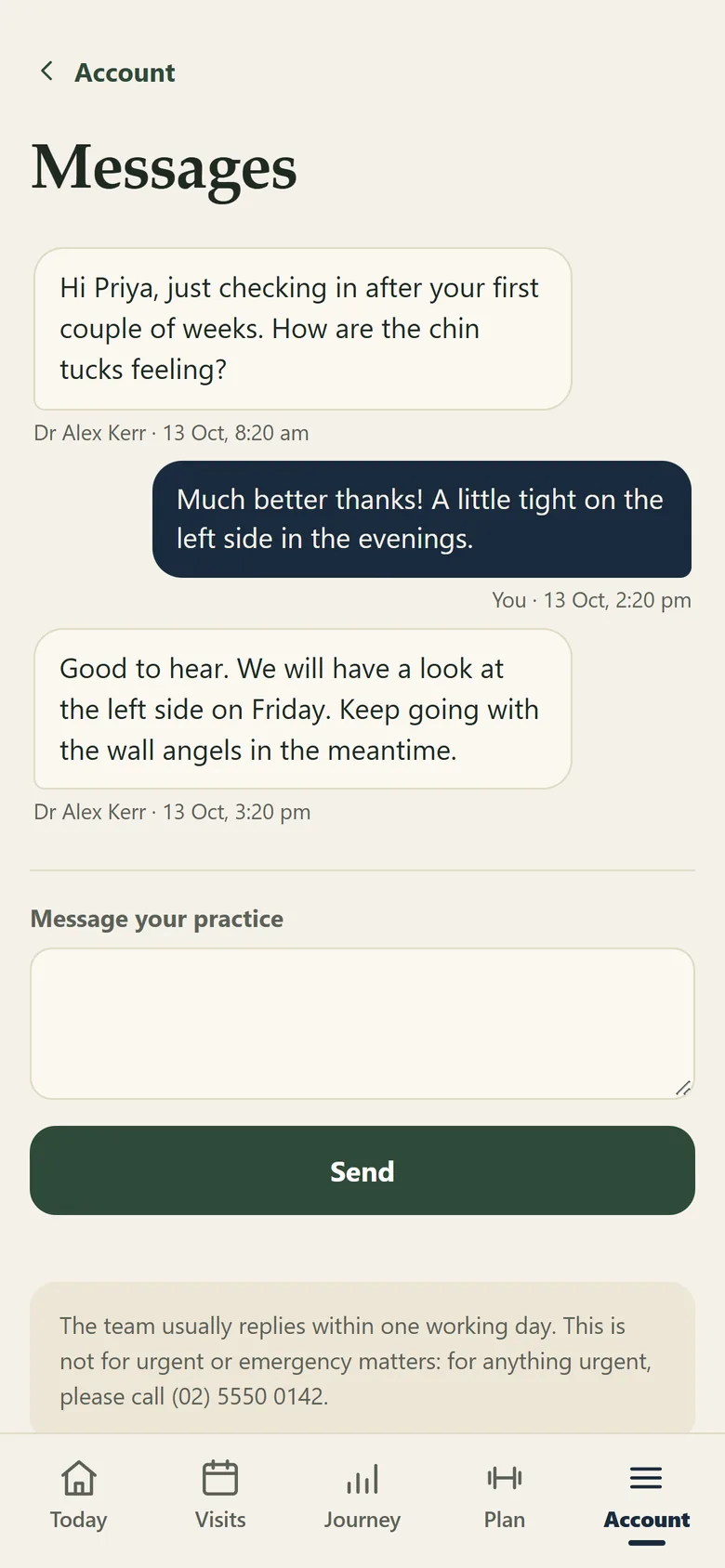
| Two-way messages | Clients and staff can message through the portal. Messages remain on the client record and appear in the staff portal inbox. |
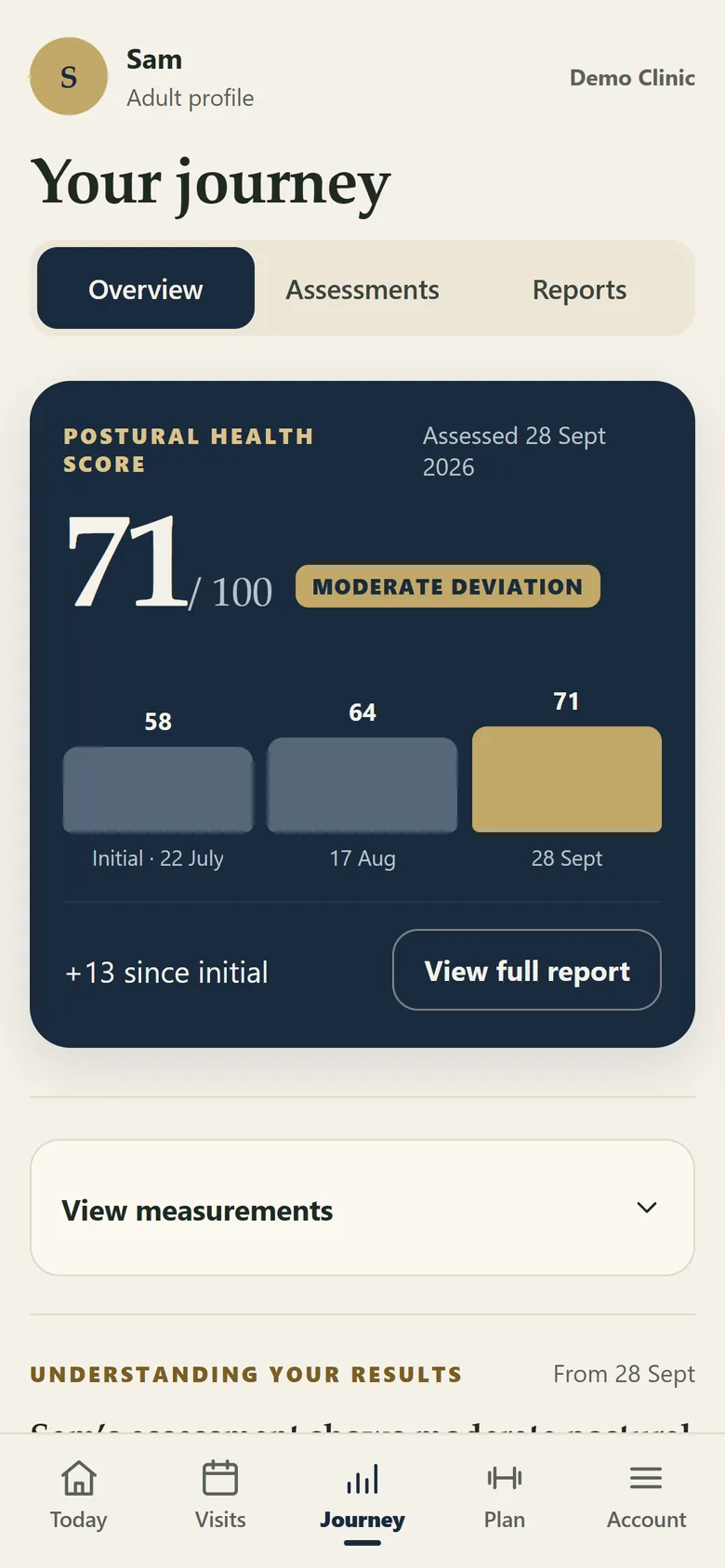
| Reports and progress | Published reports, score history and posture comparisons remain accessible in the journey. |
| Articles and quizzes | Monthly articles and quizzes provide ongoing education inside the portal. |
| Questionnaires | Any of the ten questionnaires in the library, including the Vitality survey, can be made available to the client by the practitioner. |
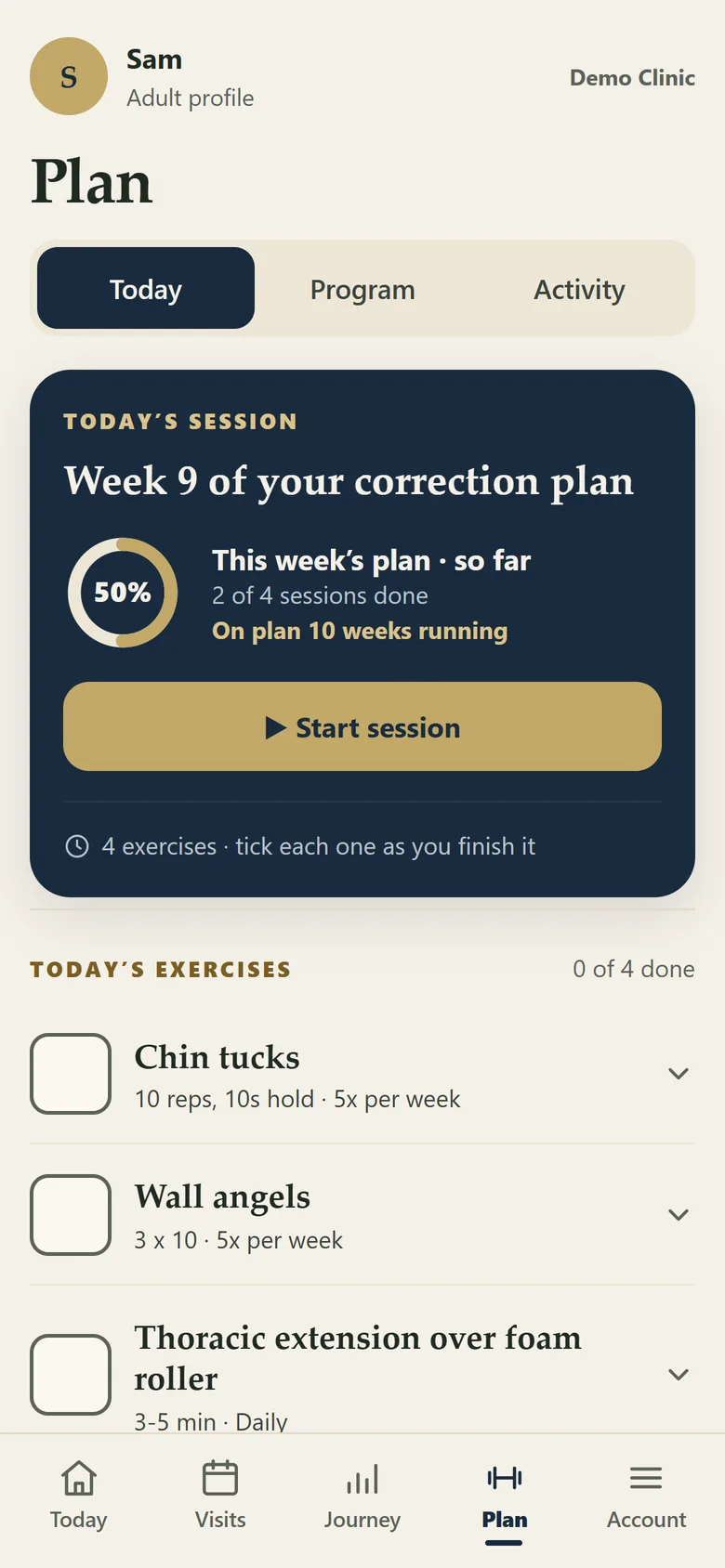
| Home care | Clients follow the exercise programme and record each session using the frequency set by the practice. |
| Exercise feedback | Clients can mark an exercise as too easy, about right or causing discomfort. Discomfort creates a reception to-do and alert. |
| Sharing | Sharing tiles allow clients to share approved progress or practice content. |
| Practice settings | Available portal modules can be switched on or off by the practice. |